Engage the digital generation throughout campus.

Engage the digital generation throughout campus.

How can you afford ubiquitous computing?
Education is based on the flow of information, and the digital generation expects access throughout campus. But how can you afford to provide computer access everywhere?

An affordable solution
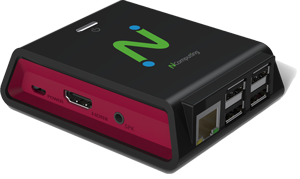
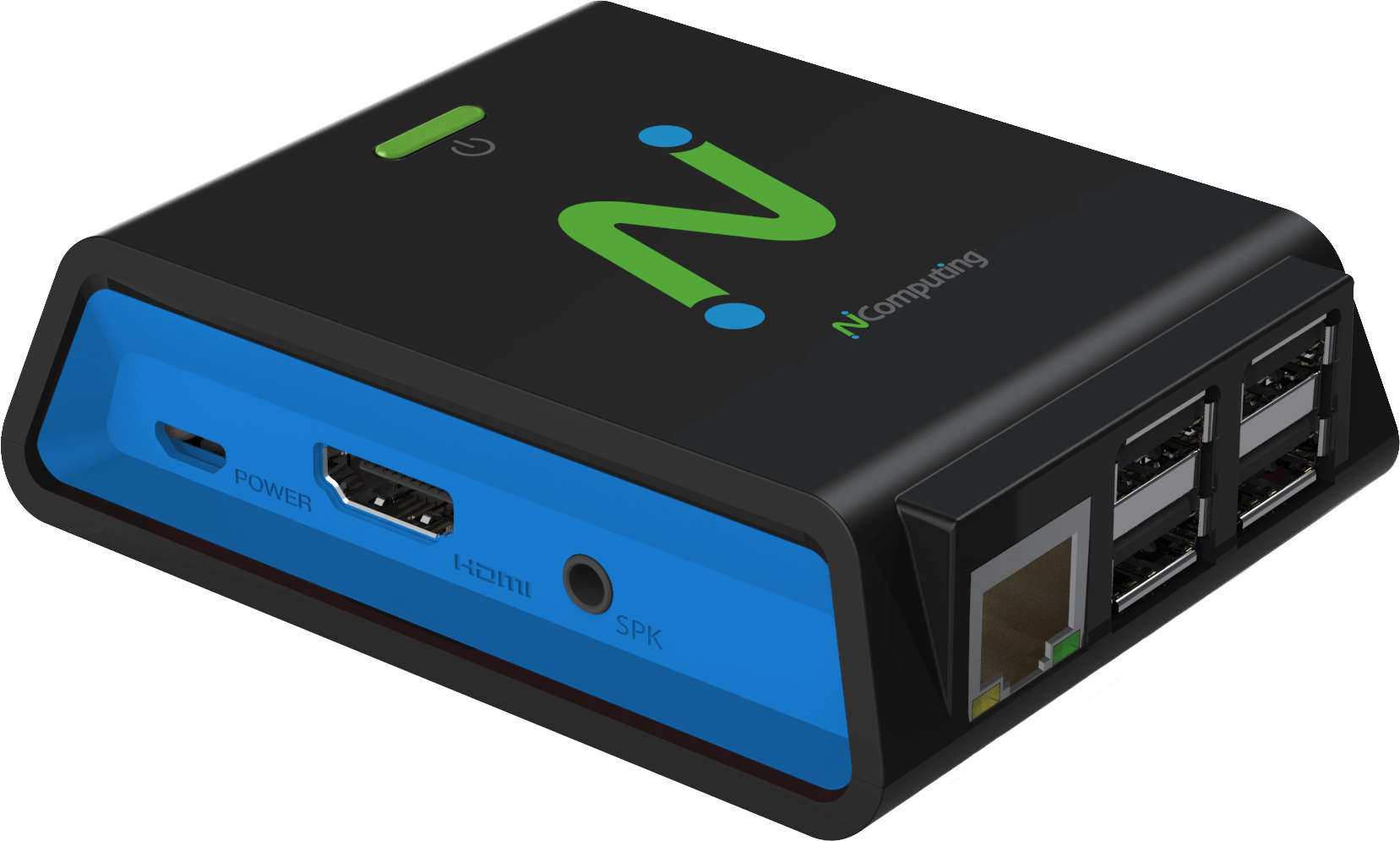
The answer lies in tapping into the excess power in today’s PCs. They are so powerful that the vast majority of applications use only a small fraction of the computer's capacity. NComputing taps this unused capacity so that it can be simultaneously shared by multiple users. Each station’s monitor, keyboard, and mouse connect to a shared PC through a small and very durable NComputing access device.

networkmulti_user_diagram

75% Hardware Savings
Save 75% on hardware
NComputing virtual desktops cost much less than dedicated computers, and NComputing devices don’t need to be replaced every few years. So when you upgrade your shared PCs, you save again.


75% Maintenance Savings
Save 75% on maintenance
By drastically reducing the number of PCs you have to maintain, you reduce your annual support costs.
Save 90% on electricity
At just one to five watts per device, NComputing solutions pay for themselves quickly in lower electricity bills.

Where does NComputing make sense?
Wherever you need affordable, reliable computing access! Over 1,000 colleges, universities and trade schools have deployed NComputing throughout their campuses.

Computer labs
Since curriculum is increasingly dependent on technology and computer access, schools of higher education have an ever-growing obligation to provide adequate access for those who otherwise couldn’t afford it. Computer labs are evolving into flexible spaces used for collaboration and socialization as well as computing.


Libraries
College libraries need to ensure that information is readily available for students and faculty. With the majority of that information now found on the Internet and in electronic databases, ensuring access means adding PCs. NComputing virtual desktops help libraries install more seats for less money.


Classrooms, staff rooms & open areas
The digital generation expects computer access all the time and every place, including classrooms, student unions, and other common areas. Ncomputing delivers practical and affordable campus-wide computing for a fraction of the cost.


Digital signage
Digital signage is driving a new wave of student communications. They're useful in cafeterias, residence halls, athletic facilities, and student unions. But if each screen is driven by its own PC, the costs (especially for maintenance) add up quickly. Instead, drive them with small, reliable NComputing virtual desktops.


Notice any patterns?
NComputing's eco-friendly virtual desktops are the perfect solution for all campus computing needs. From computer labs and libraries, to classrooms and common areas, With NComputing, more students get more access to computers. No wonder more than 1,000 campuses have already enrolled in the benefits of NComputing's virtual desktops.


Try it for FREE Try it for FREE   Buy it NOW Try it for FREE


Use NComputing everywhere
  • Computer labs
  • Libraries
  • Classrooms
  • Staff rooms
  • Administrative offices
  • Open areas
  • Digital signage


Quick facts
  • At 1 to 5 watts per device, this is probably the easiest way to hit your green goals
  • It is easier to keep one shared PC virus-free than 10, 20 or 30 separate PCs
  • Access devices aren't on 3-5 year refresh cycles, so your savings are huge over time
  • Devices mount on monitor backs, reduce clutter
  • A room full of PCs has a high AC load, but not a room powered by NComputing
 
If we had outfitted the lab with PCs, the hardware costs would have been $24,800. With NComputing we did the entire deployment for just $7,100. That's an incredible savings."
Thomas Hoover,
Director of Instructional Technology Support
Pepperdine University
Learn More
NComputing Solution video

See how NComputing solution will extend your computing power and save you money.
 
Get product information Get product information

Calculate your savings Calculate your savings